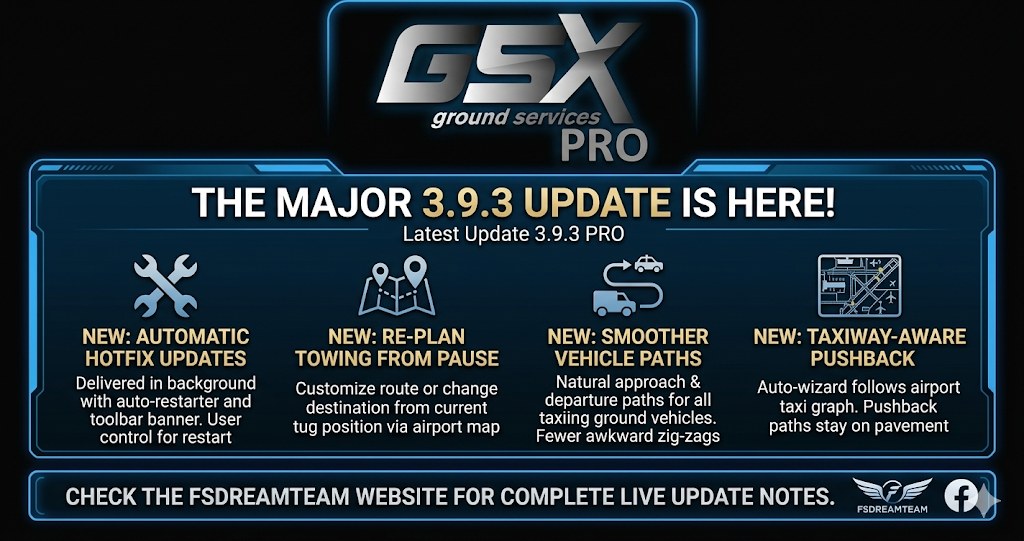

GSX Windows Move Inside MSFS 2024
For MSFS 2024 users, GSX’s airport map, customization tools, aircraft editor and script prompts now appear inside the simulator, making them accessible in VR.
The airport map also uses the simulator’s Bing imagery without requiring a personal API key. Built-in LIDO and FAA charts can be displayed without an external sign-in, while Navigraph enroute backgrounds remain an option for subscribers.

That should make configuring a turnaround more convenient for headset users, who can keep their attention inside the simulator while adjusting services.
Custom Jetways Gain Support
GSX Pro now recognizes airports using iniBuilds’ custom jetway system in MSFS 2024.
The integration supports jetway operation, connected aircraft doors, passenger and crew movement through the bridges, and docking-status information on the EFB. Handler-script improvements also extend to gates with multiple jetways.
For pilots using those airports, the change connects more of the boarding sequence through GSX’s existing controls.
Airport Customization Gets a New Layout

The MSFS 2024 airport editor now brings its settings together in one tabbed window.

Visual tools display pushback routes over the airport layout and allow de-icing areas to be positioned, rotated and resized on the map. Ground-service operators can also be selected from a thumbnail grid.
The practical benefit is a clearer view of where equipment and vehicles are expected to move before the turnaround begins.
Ground Vehicles Learn Better Manners
The update addresses vehicles cutting beneath aircraft, driving through passengers and becoming stuck while yielding to one another.
Other fixes cover passenger stairs retracting during boarding and premature door warnings on supported aircraft. FSDreamTeam also reports shorter startup and aircraft-loading times, including improvements for installations with large aircraft and livery collections. These are developer-reported changes rather than Sky Blue Radio benchmark results.
Hopefully, the baggage train can now complete its shift without auditioning as an aircraft obstacle.
How to Update
Existing customers can obtain Version 4.1.0 through the FSDreamTeam Installer or Live Update.
The headline interface changes are specific to MSFS 2024, while other improvements apply across supported versions. Owners should review the platform-specific release notes when updating.
For pilots who spend as much time preparing the aircraft as flying it, Version 4.1.0 offers plenty to explore before the next pushback.